Free Wi-Fi is available anywhere in the park.
*Connection may not be possible due to line congestion or signal conditions.
How to connect
You can connect to Wi-Fi using your device's settings or official apps
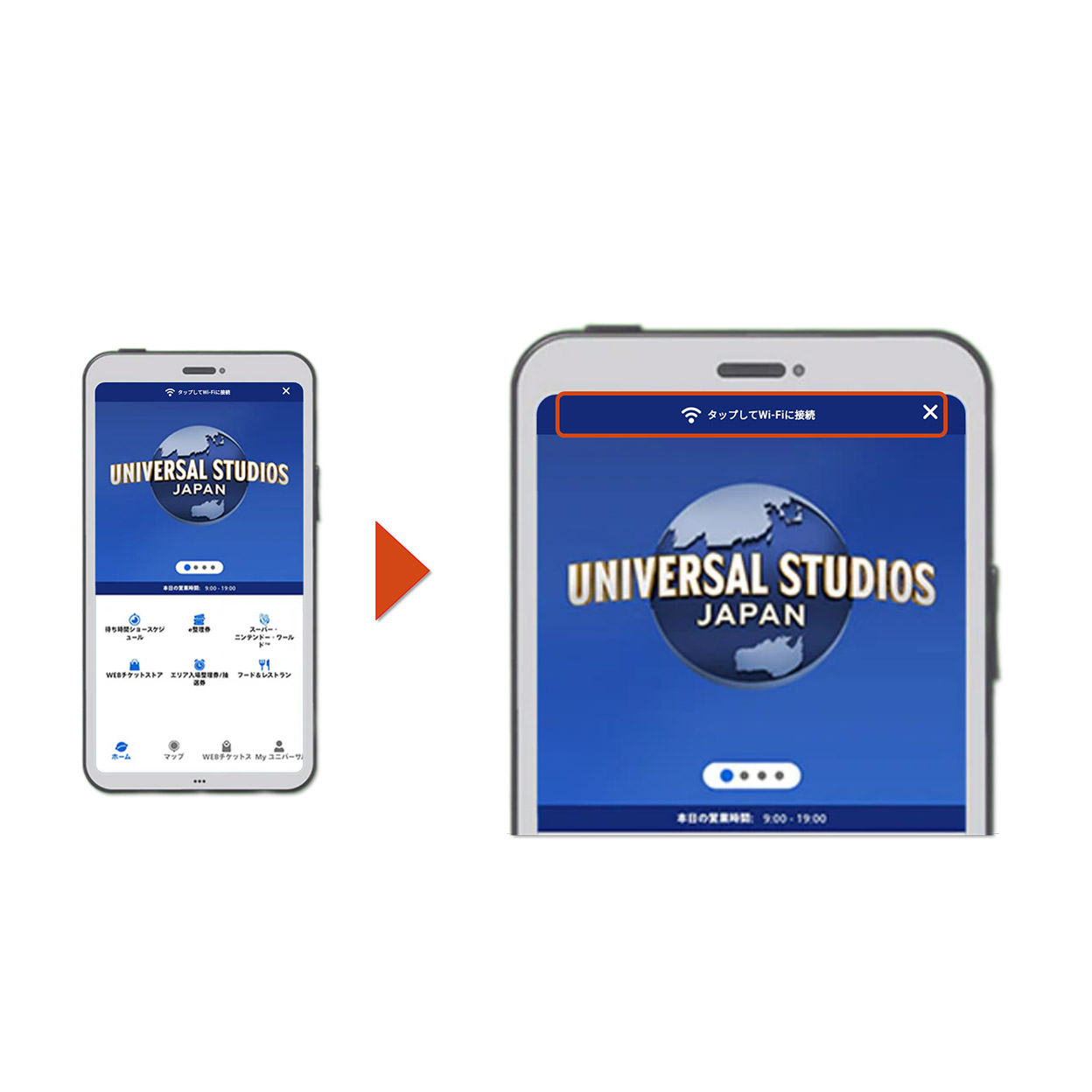
Connect with official apps
①Install the official app in advance
②Open the application and tap “Tap for Universal WiFi” at the top of the home screen
③Select “Connect” according to the terminal display
Connect from device settings
①Open the Wi-Fi connection screen of your smartphone in the Park, turn on Wi-Fi, and select “UNIVERSAL” from the network (SSID: UNIVERSAL).
②Start your browser and press the “Connect to the Internet” button according to the on-screen instructions
③When the connection is complete, the completion screen will be displayed.